
A social network built for your privacy
Proof of humanity
without proof of identity.
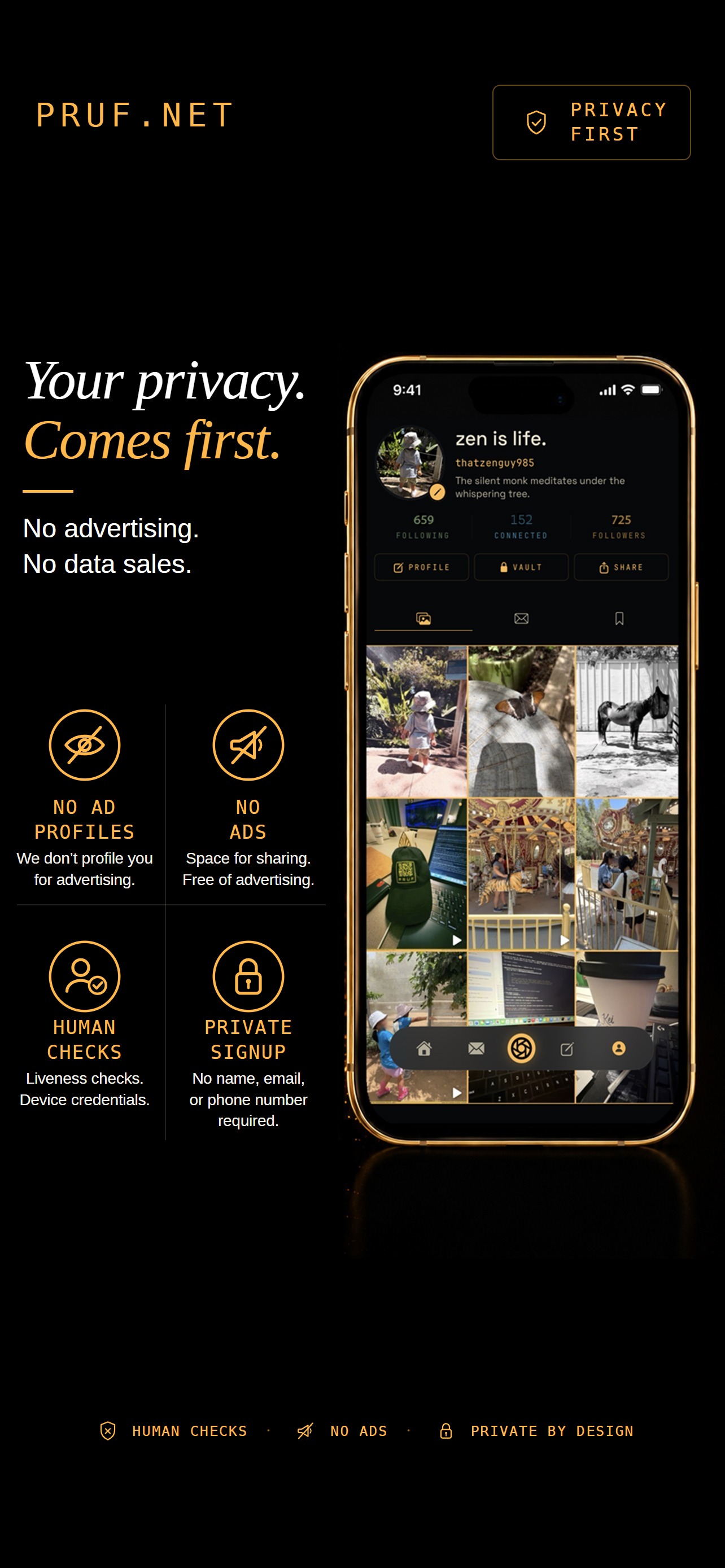
No ads. No name, email, or phone number required.
Share photos captured in PRUF. Have private conversations that even we can’t read.
PRUF is in beta, so it installs through TestFlight, Apple’s free app for trying new apps.
You’re not on an iPhone right now. PRUF runs on iPhone: open pruf.net on your iPhone to get it.
-
Get TestFlight →
Already have it? Skip to step 2. Once it’s installed, come back to pruf.net for step 2.
-
Open PRUF in TestFlight →
In TestFlight, tap Accept, then Install.
-
Open PRUF, pick a username and take the few-second live-person check. No name, email or phone number.
Free · iPhone with Face ID · iOS 18.6 or later · US
A button didn’t open anything? You may be inside YouTube’s or another app’s browser. Tap ••• and open this page in Safari, then try again.
Who we are, and what PRUF can access on your phone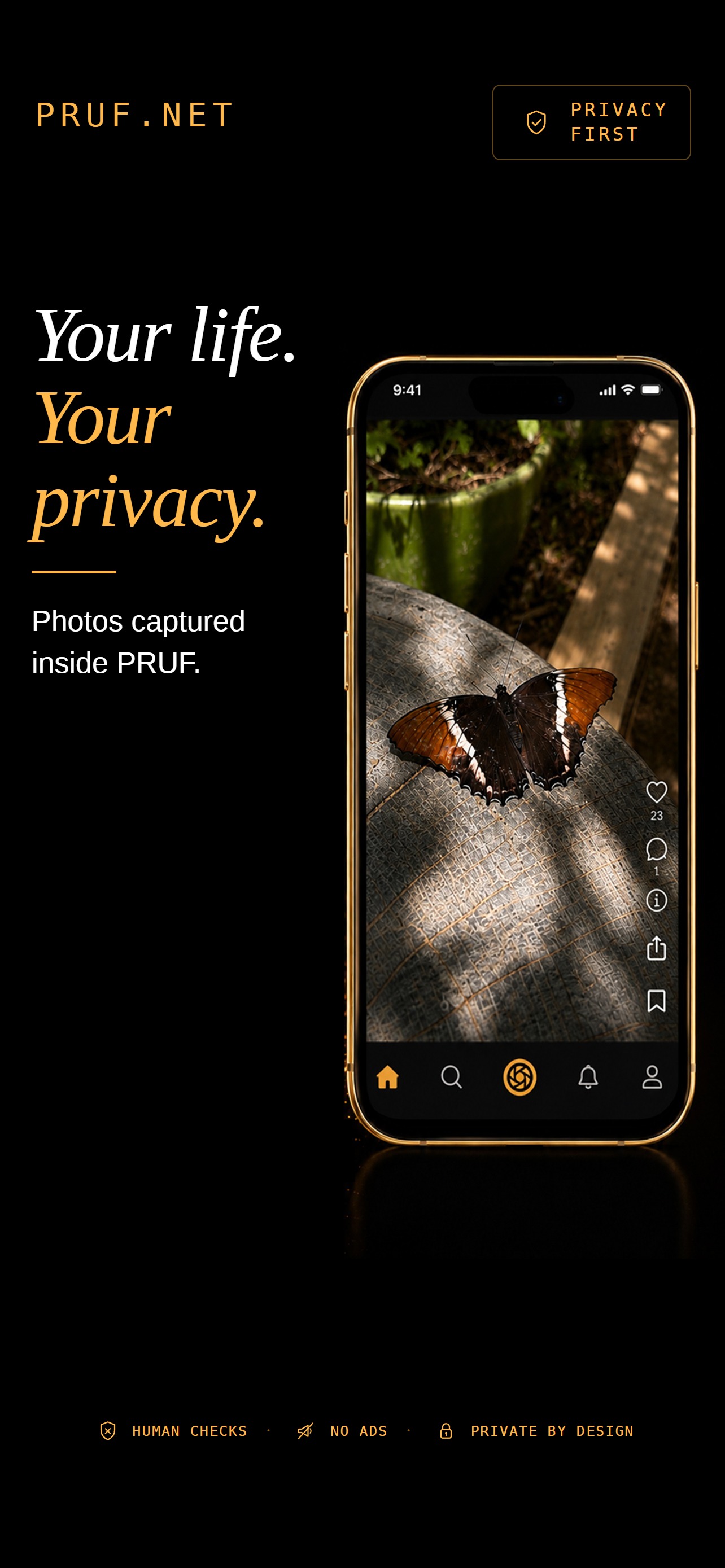
pruf.net, from zero. A short film, 1:35.
Your life is yours to share.
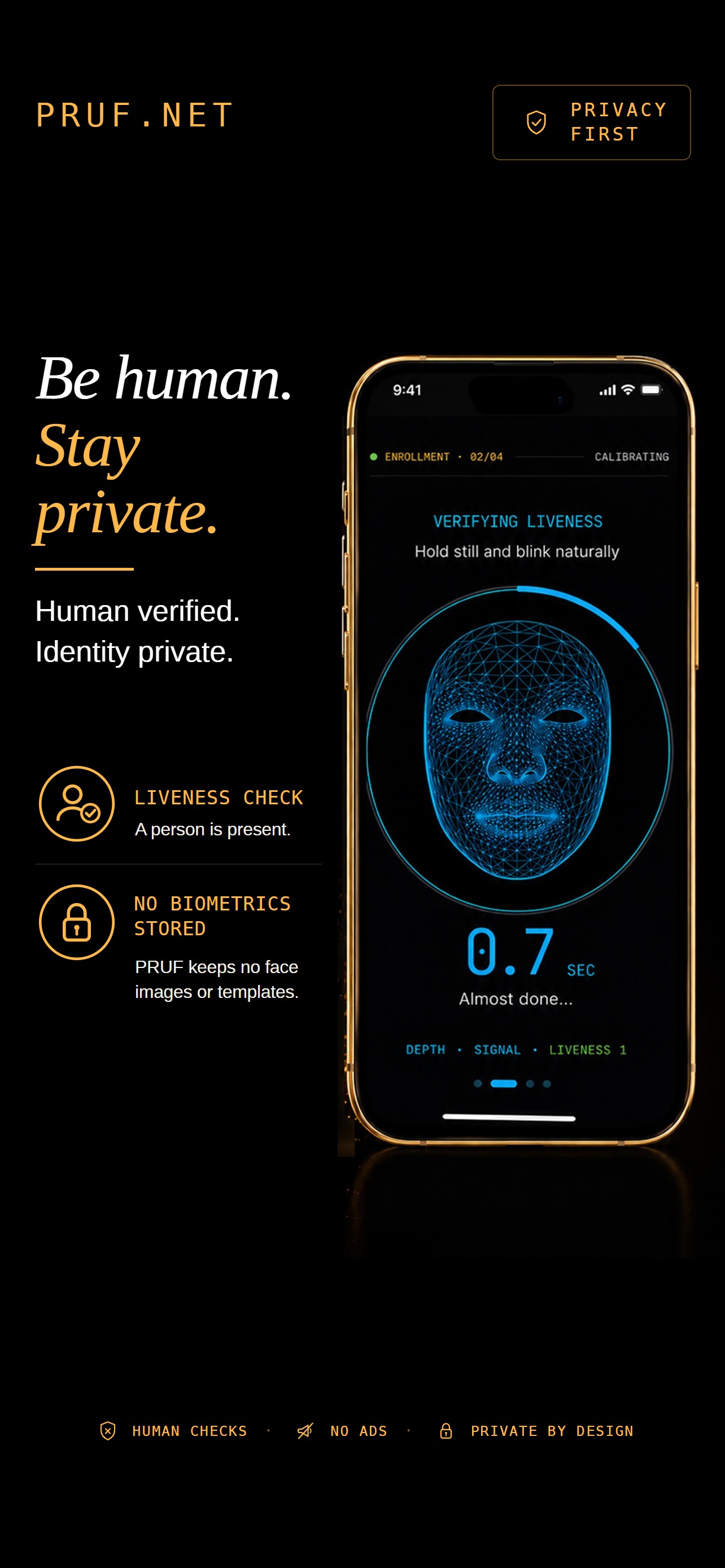
Be human. Keep your identity private.
A liveness check helps confirm a person is present. Your phone’s secure hardware helps protect access to your account.
PRUF does not store your face images or biometric templates.
These checks are designed to resist automated accounts without collecting your identity.
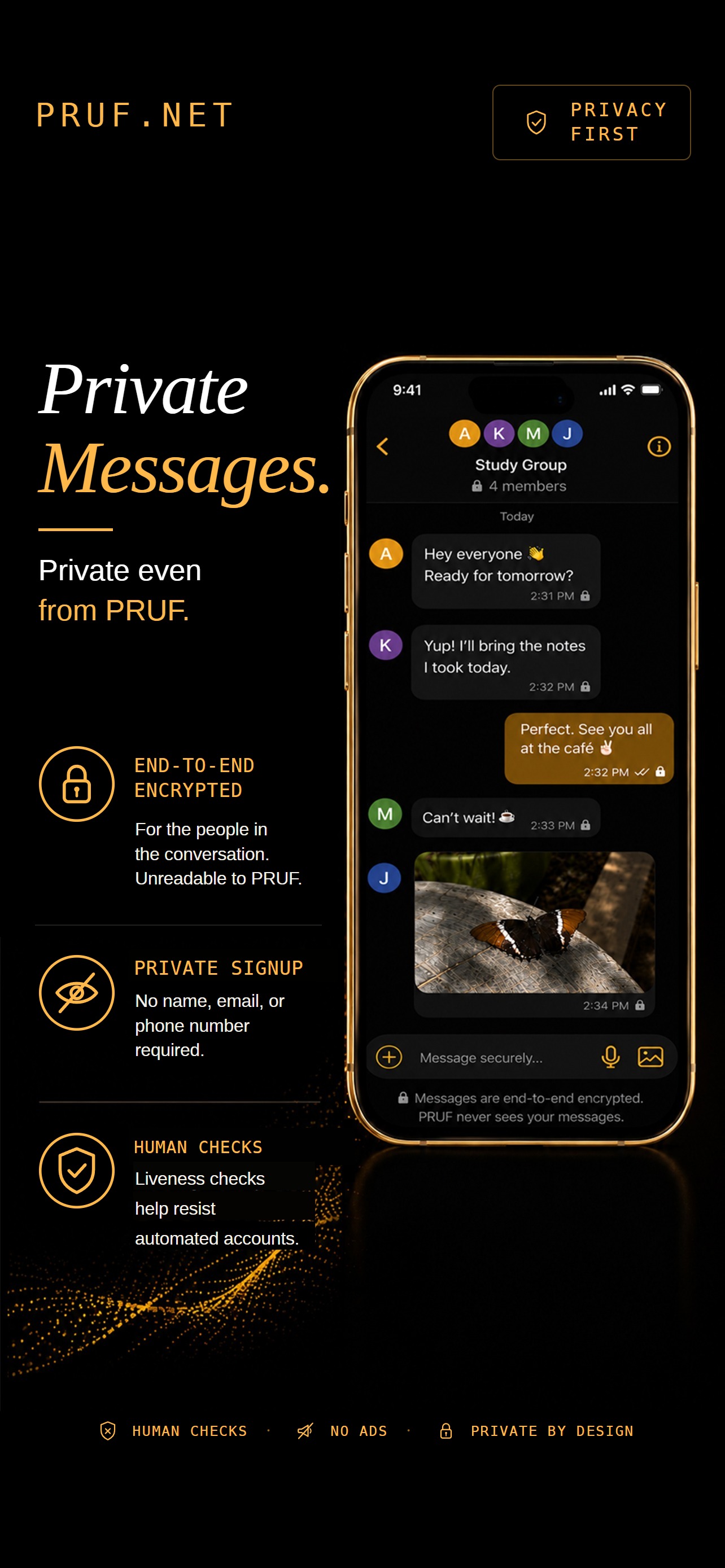
Your conversations stay between you.
Messages are end-to-end encrypted for the people in the conversation.
PRUF cannot read their contents.
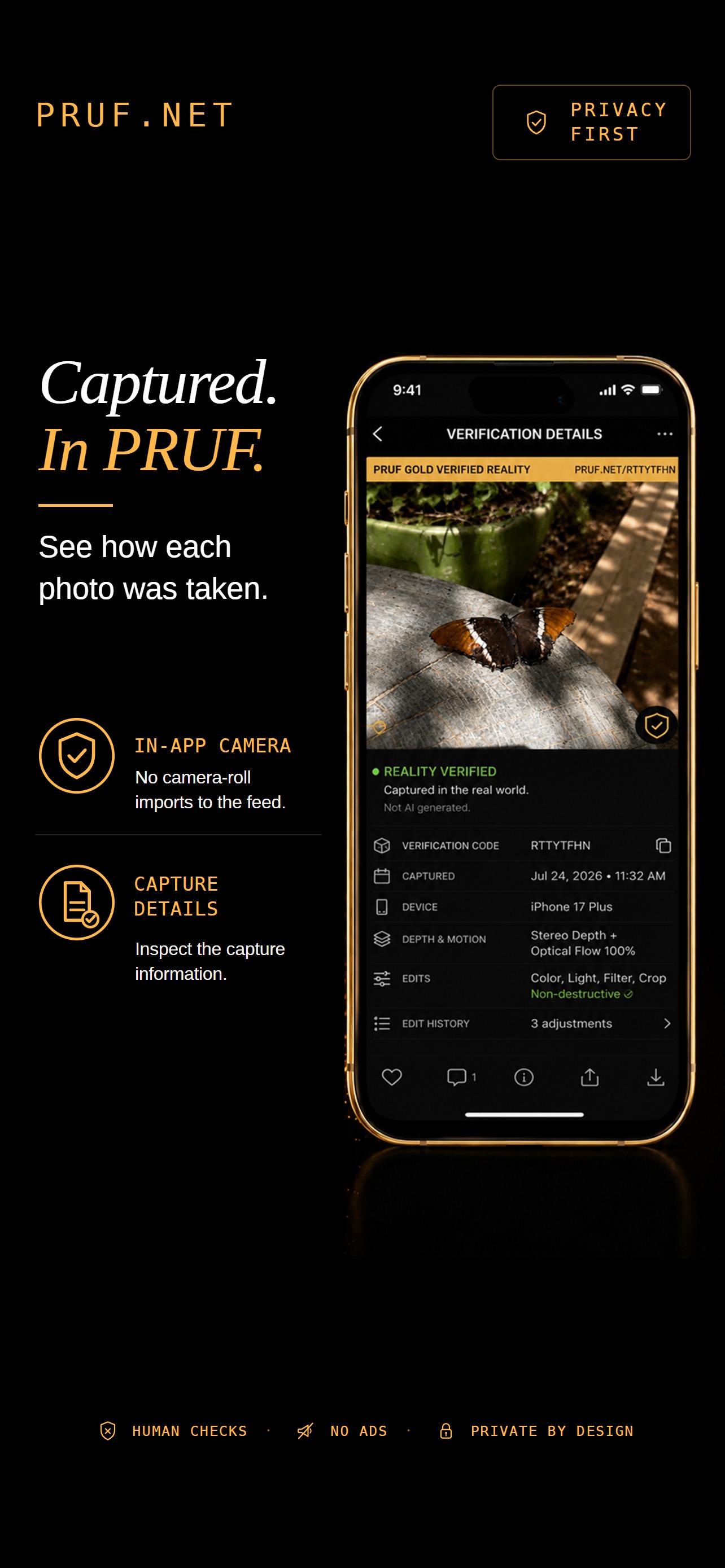
Every photo starts with the PRUF camera.
Take a photo inside the app to share it.
No camera-roll imports. No direct uploads of downloaded or AI-generated images into the feed.
Each photo includes capture details you can inspect.
Capture details describe how a photo was made. They do not guarantee that the subject is authentic.